
Log in
To log in, you must use a standard internet browser to go to the web address of the Setdisplay portal.
Note:
SetDisplay works with a secure 2-factor Authentication in combination with a so-called authenticator. We recommend using the Google Authenticator on your smartphone for this. If you are already familiar with an authenticator, for example from Microsoft, you can also use this to log in to Setdisplay.
In any desired internet browser (we recommend Google Chrome), go to the web address: https://setdisplay.nl.
The login page appears:
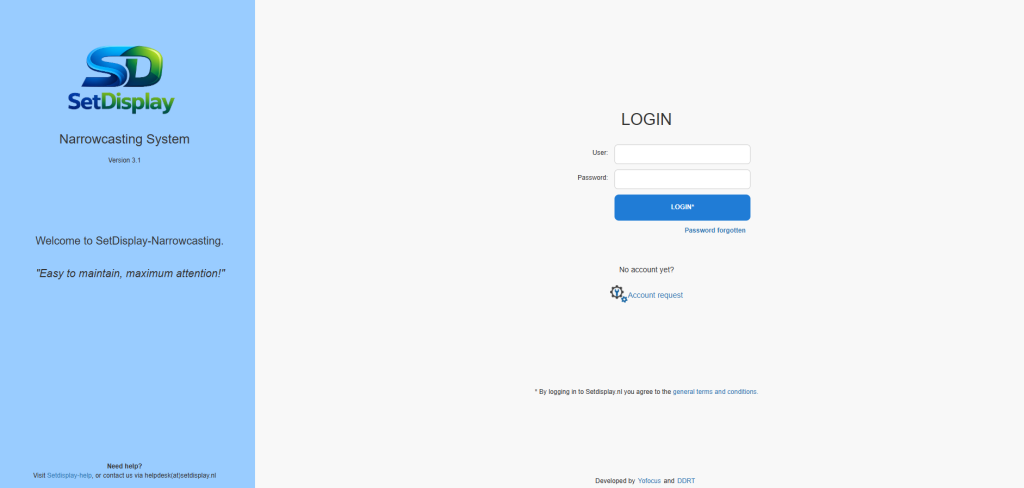
This page allows you to log in to your own personal user environment using a username, password and the (Google) Authenticator.
After entering the username and password, a second screen opens in which you enter the code that you receive via the (Google) Authenticator on your smartphone.
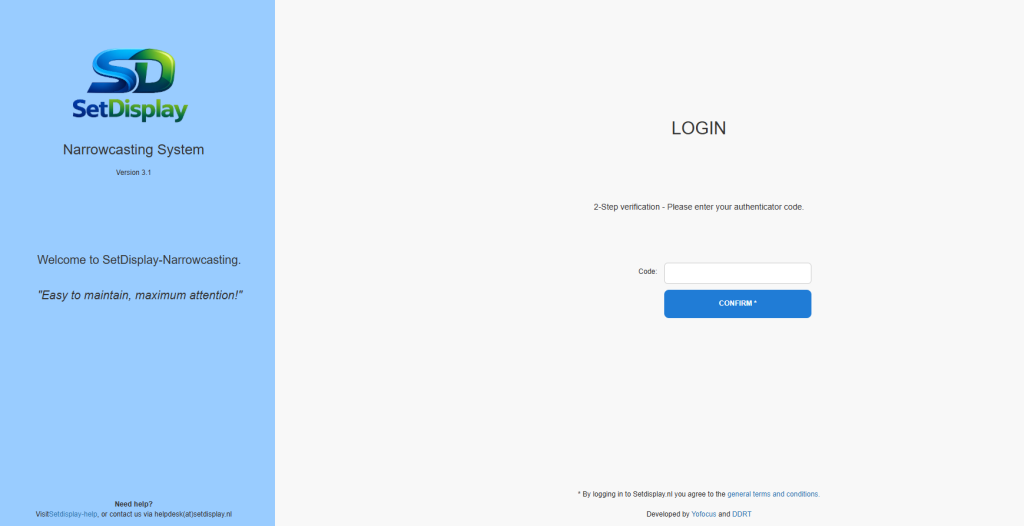
Then, on your smartphone, open the (Google) Authenticator that you installed when creating your SetDisplay account and copy the 6-digit code shown on the SetDisplay login screen.

(image shows Google Authenticator as an example)
Click on "Log in" after which the login is completed and the SetDisplay portal is opened.
PLEASE NOTE!
Before the first use, an account must be created in which the user's e-mail address, linked to the Customer ID, is registered.