Portal general
The portal, also known as the dashboard of setdisplay.nl, has various tabs (depending on the type of screen that is being controlled, these are 5 or 6 tabs).
Dashboard (No Touch)
The dashboard is the central part of the portal, from here all available and applicable settings can be accessed.
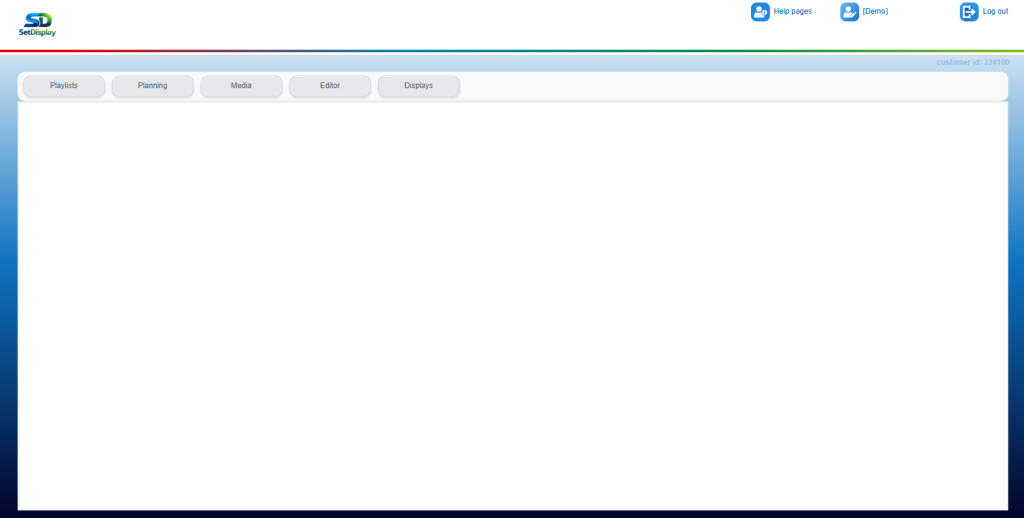
On the left:
- At the top the company logo showing the account in question
- Five tabs:
- Playlists
- Planning
- Media
- Editor
- Displays
On the right:
- Help (link to these help pages)
- Account name
- Log out, close Setdisplay
Dashboard (Touch)
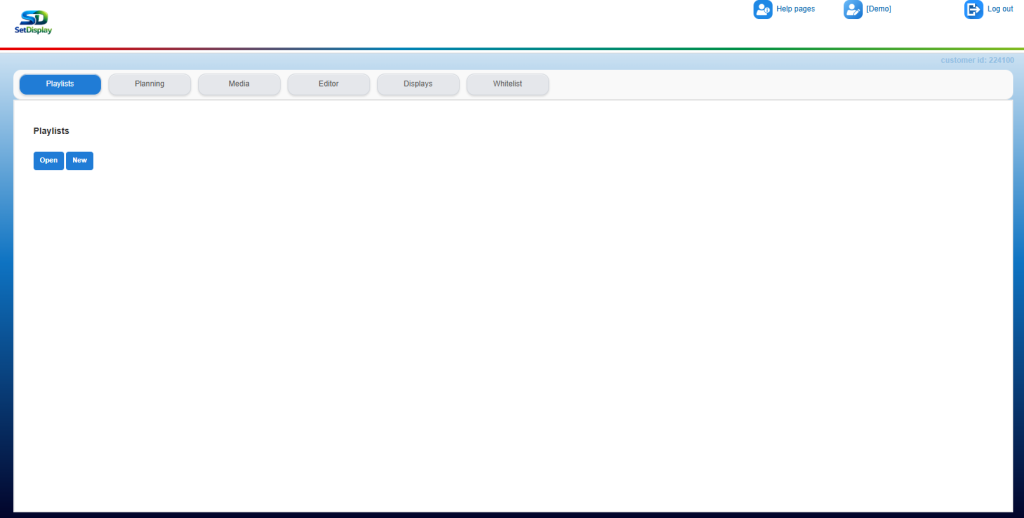
In the case of a so-called Touchscreen, there is an additional (6th) tab on the dashboard, this concerns the “Whitelist”.