
Playlists
The playlist is created using the “Playlists” tab.
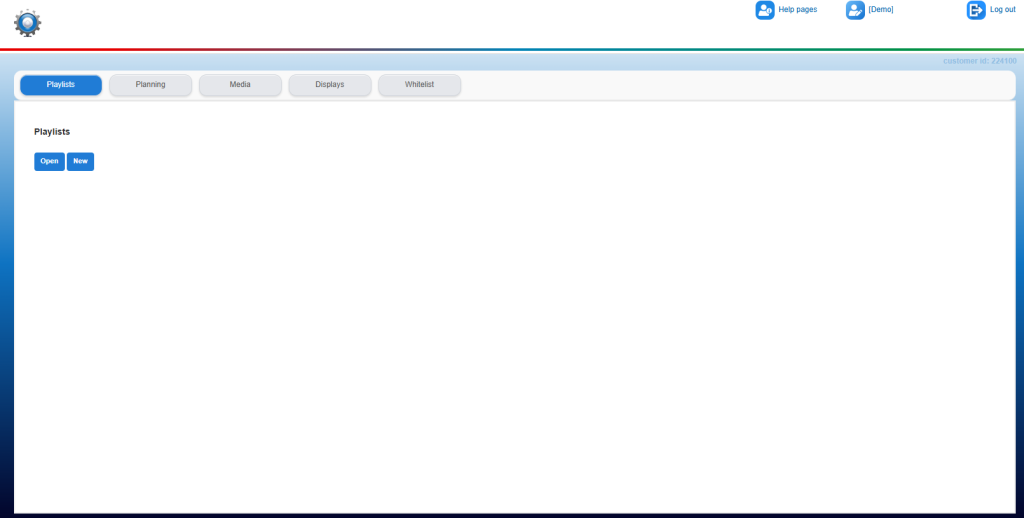
Clicking on “New” will open a pop-up screen (if you have already created playlists, you can also choose to Open an existing playlist here):
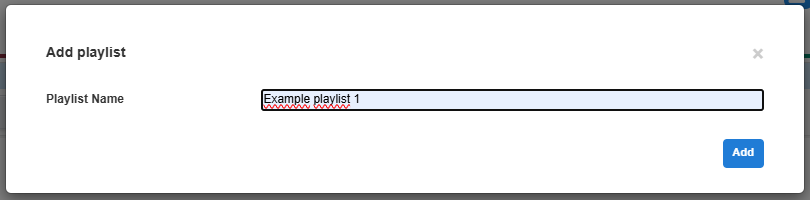
Give the new playlist a recognizable name and confirm it by clicking on “Add”.
The main screen is shown again:
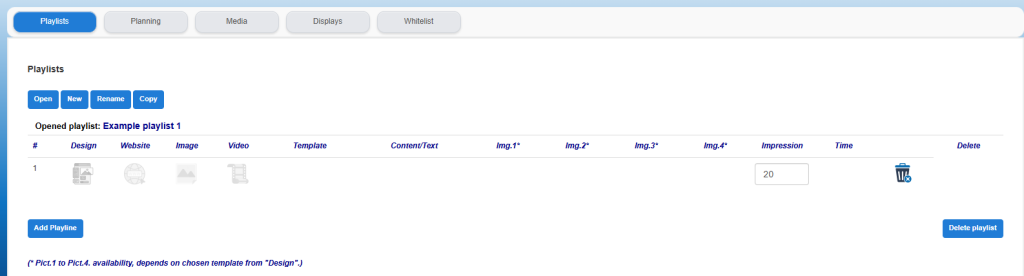
In the main screen, directly below the blue buttons ("Open" "New" "Rename" "Copy"), the name of the (new) opened playlist is shown.
A new block has been added to the screen containing the first (automatically created) play line. (line # 1.).
This line is still empty and not activated and can now be filled with the desired content.
The following articles are available for a step-by-step plan regarding placement of the content:
Rename playlist:
After creating a playlist, it is possible to change the name. This is for better recognition or at the moment that the playlist has just been copied and for that reason the name needs to be changed. Click on the "Rename" button to change the name of the opened playlist.
Copy playlist:
If multiple playlists are used with a lot of the same or specific basic content, it can be useful to use this playlist for a new list. In order not to have to recreate all the content, the playlist can be copied in its entirety.
Make a copy of the opened playlist via the "Copy" button, the entire playlist is copied and the name of the copied playlist is recognizable by the addition -copy-.
When the playlist is then called up via the "Open" button, the name can be changed as described above via the "Rename" button.
Edit/delete playlists:
The playLINE can be easily changed at any time with regard to the content, but can also be deleted as a whole rule (trash can symbol). The entire playlist can also be deleted using the “Delete playlist” button.
An additional pop-up screen will open to confirm the choice to delete the playlist as a whole.
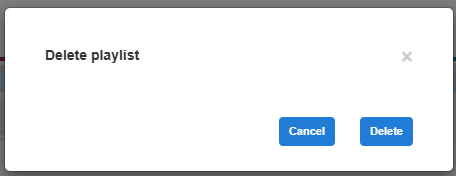
Please note! After permanent deletion, the playlist can no longer be restored. Of course, a new playlist can be created.