Displays (Touch)
When using a Touchscreen, there is the possibility to further personalize the display and adjust things like menu buttons, which are shown at the top of the display (touchscreen), to your own liking.
For the standard components, such as setting the times, see the article Displays (No Touch) and the article Time Schedule Display.
Touchscreen-specific settings are accessed via the Displays tab and then via the gear icon  under the Setup column.
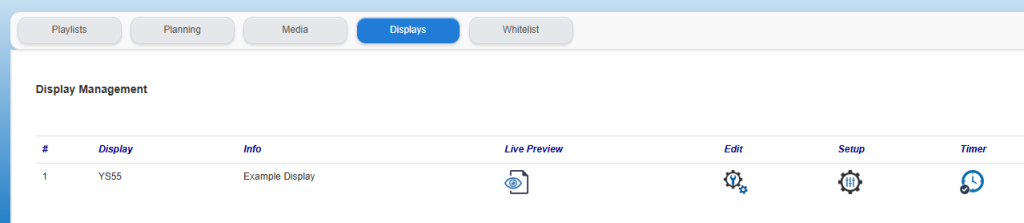
A new screen will open with several settings applicable to the Touchscreen.
The settings for the Touchscreen include the Menu buttons and the more Technical settings such as colors, text formats etc.. More information about this is available in the following articles: